Create a personalised clinical plan template to use across multiple clients.
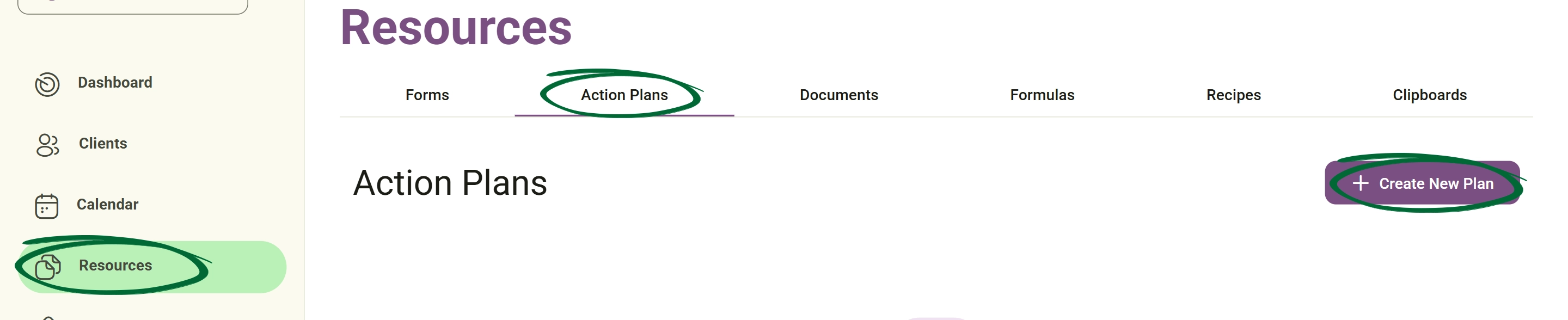
Select a primary goal (e.g., Weight Loss, Muscle Gain, or Weight Maintenance).
After choosing the primary goal, you can select a more specific goal from the dropdown list—such as managing constipation, diarrhoea, bloating and gas, or Acid Reflux (GERD)—to help tailor the plan more accurately to the client’s condition.
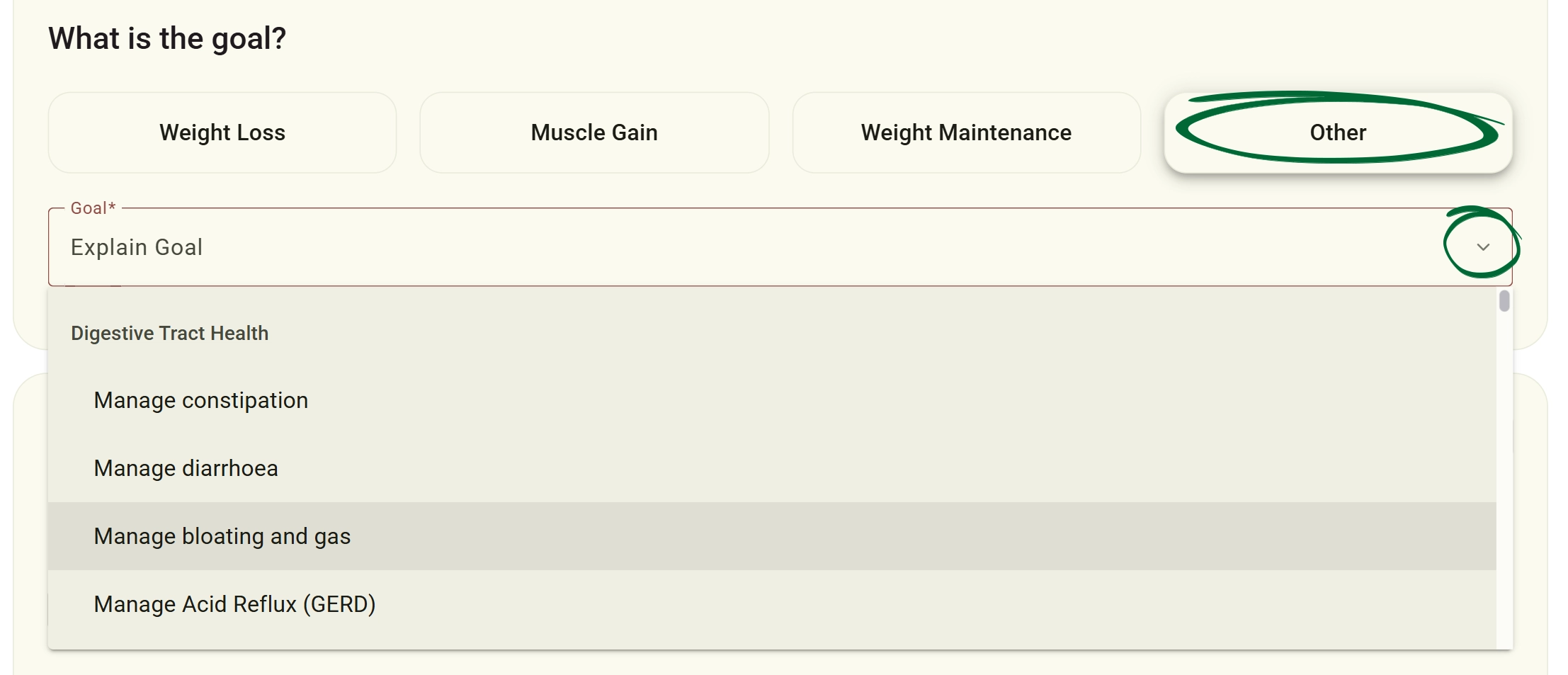
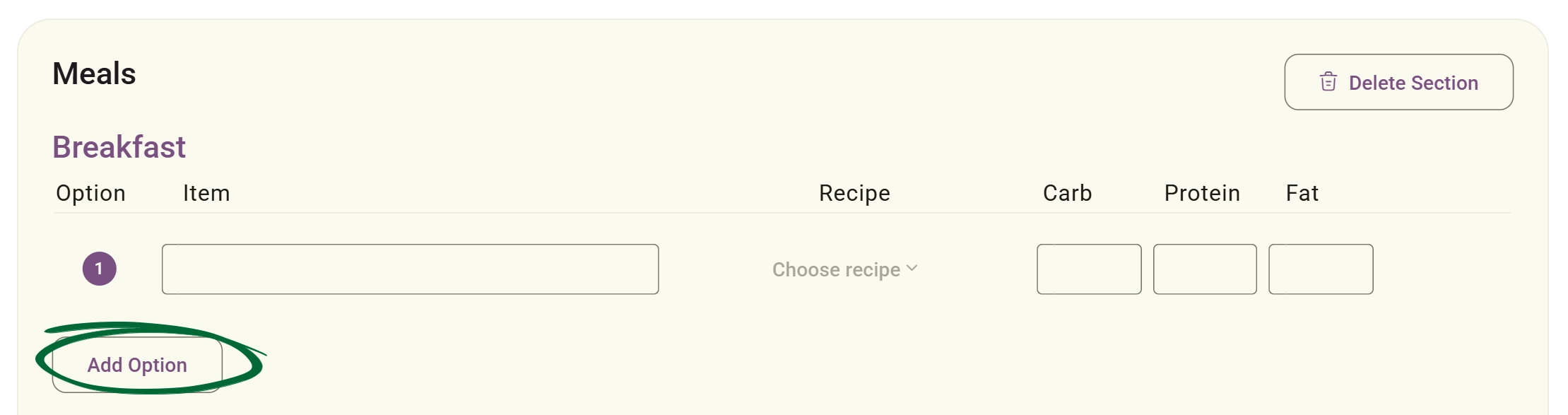
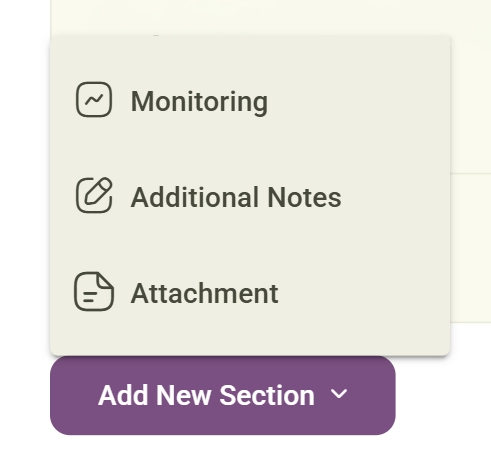
Modify an existing plan template to refine your clinical approach.
Open the interactive plan editor.
Edit sections, change meal suggestions, or update clinical notes.
Plans support a full rich text editor to create professional, easy-to-read layouts. You can utilise bold, italic, and underline formatting, structure content with bullet points and headings, adjust text alignment, and easily insert hyperlinks, images, and tables.
You can insert saved Clipboard content directly inside the plan editor.

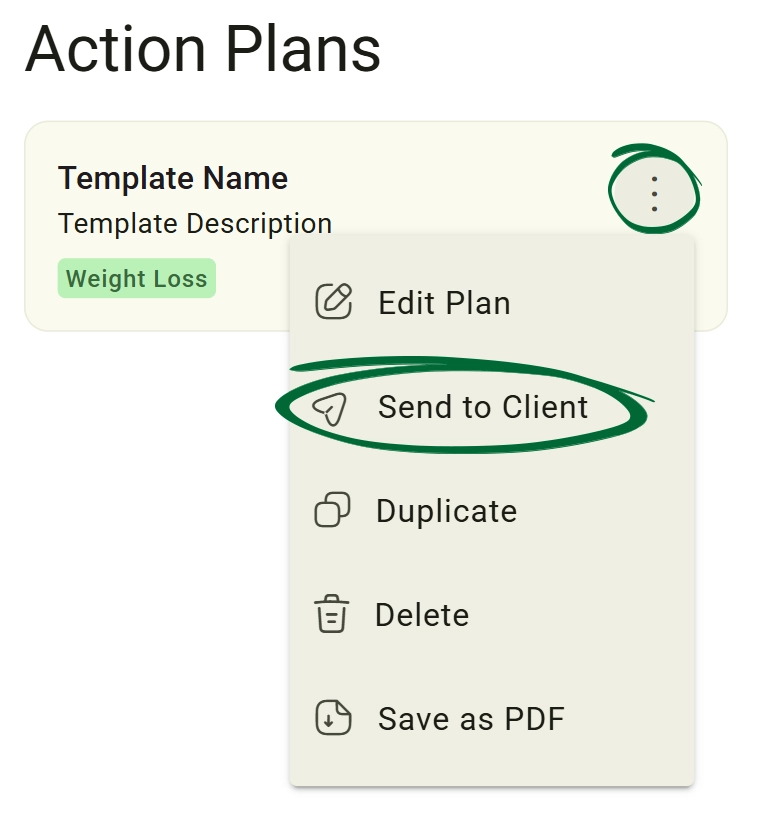
Share your completed plans with clients and manage your digital library.
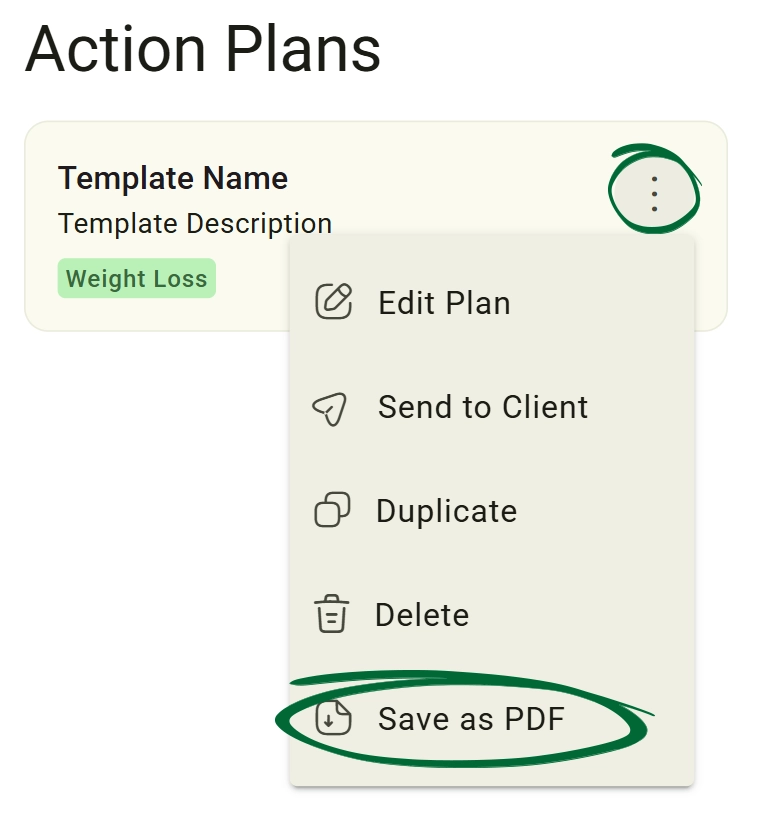
Export a plan as a document
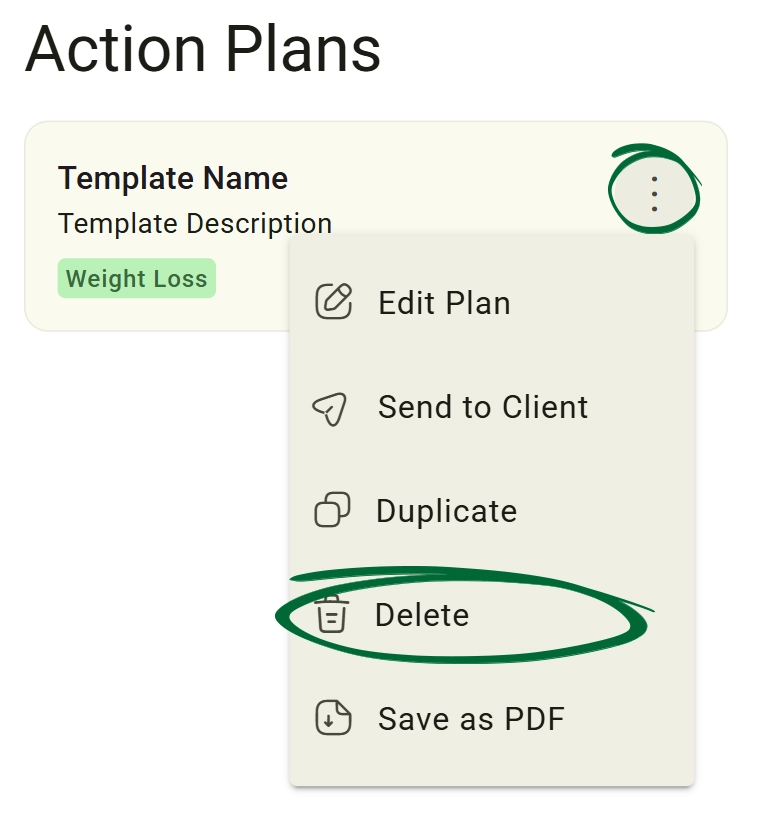
Remove a plan from your library
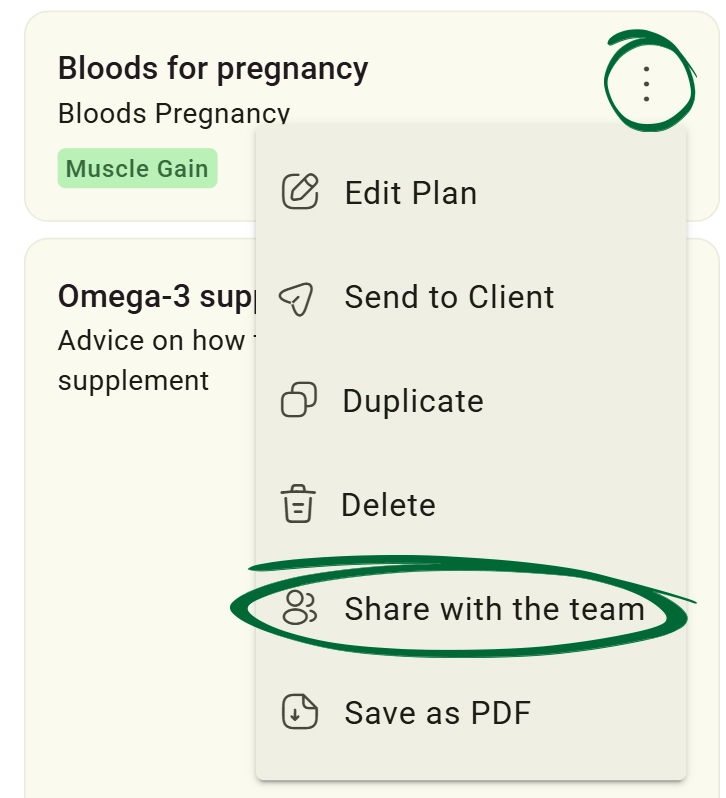
to make templates accessible to other practitioners or staff members. (Note: This feature is exclusive to Team and Enterprise subscriptions.)
Can I select more than one primary goal for a plan?
If I edit a template, will it update the plans already sent to clients?
Can I add my own custom sections that aren't in the default list?
Issue: Changes are not appearing
Issue: Client did not receive the plan
Issue: PDF looks different from the plan
Issue: Cannot find a saved template
Next Step
Your action plans are ready! Continue to Recipes to enhance your client programmes with specific nutritional guidance.
Go to Recipes